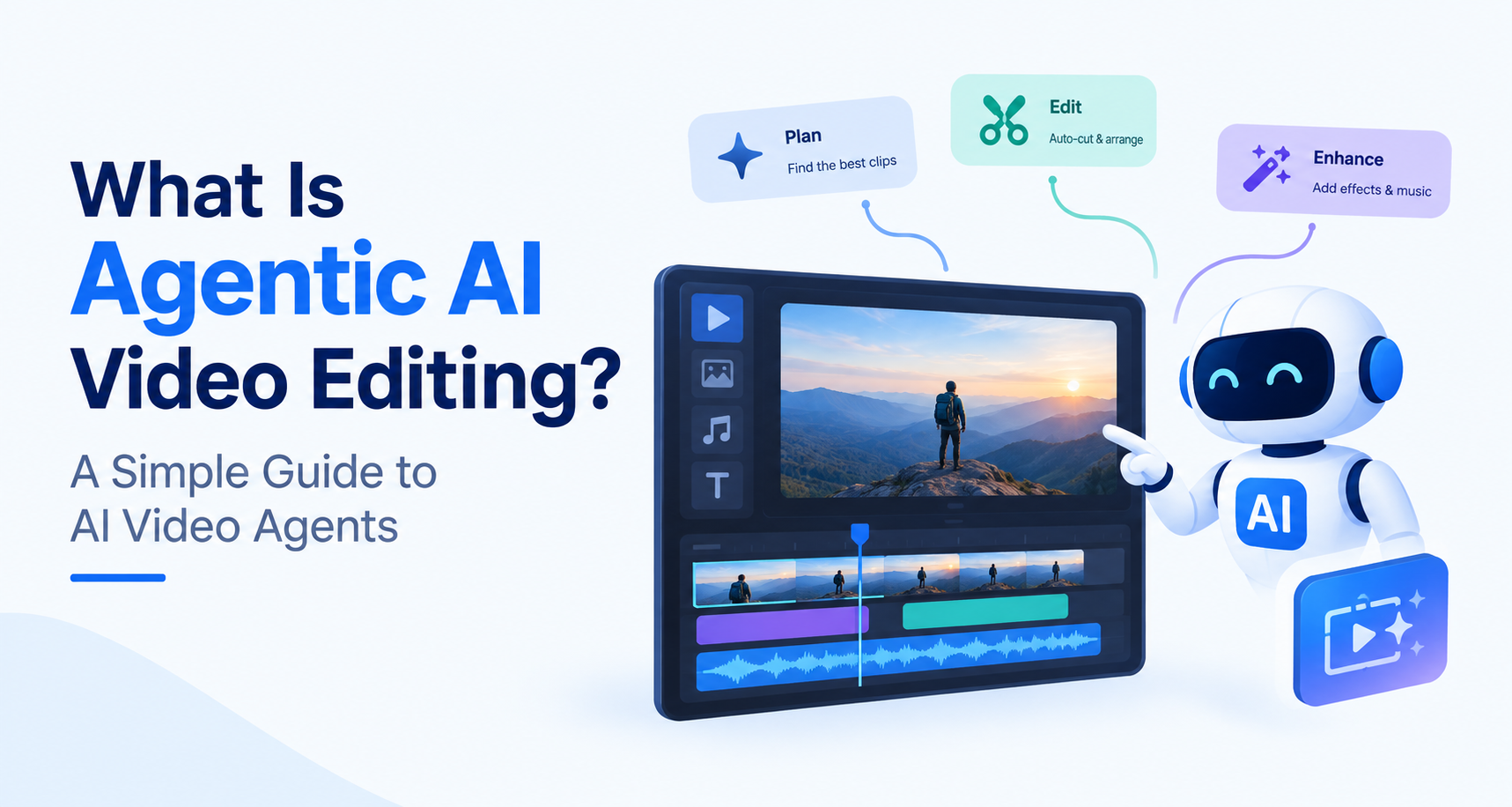
Traditional video editing involves sorting footage, choosing the best clips, arranging scenes, adding captions, and adjusting the final cut. Agentic AI video editing helps with that process by taking a goal you describe and working through several editing steps. For example, you could ask an AI video agent to turn a long interview into a short social video with a clear hook, captions, and a closing message. It can review the material, select relevant moments, and assemble a draft for you to refine.
That makes AI video agents useful when you need to create more videos without repeating every step by hand. They can help with tasks such as finding highlights, trimming pauses, resizing videos for different platforms, and suggesting edits. You still decide what feels right for your audience and approve the final result. This guide explains how agentic editing works, where it helps, and what to check before publishing.
Key Takeaways
- Agentic AI video editing uses AI agents to carry out multiple editing steps from a goal you provide.
- AI video agents can review footage, find useful clips, arrange scenes, and create a first draft.
- You can give instructions in plain language, such as “make a 30-second highlight video.”
- These tools can help create captions and adapt videos for different platforms.
- A clear brief and good source footage lead to more useful drafts.
- Review the final edit for accuracy, pacing, tone, and permissions before publishing.
What Is Agentic AI Video Editing?
Agentic AI video editing uses AI agents to carry out connected editing tasks based on your instructions. You might ask an agent to review interview footage, choose the strongest answers, remove long pauses, and assemble a two-minute draft.The key idea is delegation. You describe the result you want, and the agent handles part of the editing work. You still decide whether the choices serve the video.
- Turns a plain-language brief into an editing plan.
- Finds relevant clips or highlights in your footage.
- Trims and arranges clips into a first draft.
- Adds captions and suggests transitions.
- Adapts videos for different platforms and formats.
- Lets you review and refine the edit before publishing.
How Do AI Video Agents Work?
AI video agents examine your footage and use your brief to decide what to do next. Depending on the editor, they may identify speakers, find relevant shots, select takes, arrange clips, adjust pacing, or prepare versions for different platforms.For example, you could ask: “Make a 30-second product teaser. Open with the demo, keep the customer reaction, and end on the product shot.” The agent can build a starting cut, which you can then refine.
1. Understand Your Goal
An AI video agent reads your brief to identify the audience, video length, style, and message before planning the edit.
- Read your instructions in plain language.
- Identifies the intended platform and format.
- Plans the steps needed for a first draft.
2. Analyze and Assemble Footage
The agent examines your footage to find relevant moments, then selects and arranges clips into a draft that follows your brief.
- Finds useful clips and spoken highlights.
- Trims pauses and unwanted sections.
- Arranges scenes in a logical order.
3. Refine the Video with Feedback
You review the draft and request changes. The agent applies your feedback, while you make the final creative and publishing decisions.
- Adjusts pacing, captions, or clip choices.
- Creates versions for different platforms.
- Presents the updated video for your approval.
What Can an Agentic AI Video Editor Do?
An agentic AI video editor can turn a brief and raw footage into a first draft. Depending on the tool, it may find highlights, trim pauses, arrange clips, add captions, suggest music, and resize videos for social platforms. You can ask for changes in plain language, then review the result to make sure the story, timing, and details feel right.These tasks still need a human review. An agent may find a technically clean take, while you may prefer another take because it feels more honest or engaging.
- Finding useful moments across multiple clips
- Removing silences, filler words, and unwanted takes
- Building a first assembly
- Cutting shots to music
- Creating shorter versions of a longer video
- Changing the order or pace of a draft
How Is It Different From Traditional AI Video Editing?
Many AI video editing features help with a single action, such as generating captions or removing background noise. Agentic editing connects several actions into one assignment.That makes agentic editing useful for getting from raw footage to a workable draft. The final choices about story, tone, and quality remain with the creator.
| Traditional AI Feature | Agentic AI Editing |
|---|---|
| Handles a specific task | Works through a broader editing brief |
| You direct each step | You describe the goal and review the result |
| Often produces one change | Can build or revise a sequence of clips |
How Does Invideo Editor Use AI Video Agents?
According to its product page, Invideo Editor lets you assign jobs such as footage review, first assembly, beat syncing, reference matching, and creating shorter versions. The agents place their work on an editable multitrack timeline, where you can change the cuts yourself.
You could, for instance, ask it to find the best answers in a recorded interview and create a first cut. From there, you can tighten an answer, replace a shot, or change the pace. If you want to explore that workflow, see Invideo’s agentic AI video editing tool.
Is Agentic AI Video Editing Right for You?
It is worth trying if you regularly make interviews, social clips, tutorials, product videos, or other content with repetitive first-pass work. A useful starting point is to give the agent a narrow brief: the target length, audience, must-keep moments, and tone.
Then watch the full draft before publishing. Check whether the cuts preserve meaning, the pacing feels natural, and the final video sounds like you. The biggest benefit of AI video agents is the time they can give you back for those creative decisions.
Final Thoughts
Agentic AI video editing can make the first draft less time consuming. Give an AI video agent a clear goal and your footage, and it can help find useful moments, arrange clips, and add captions. That gives you something concrete to review instead of starting with an empty timeline. The results still depend on the tool, the quality of your footage, and how clearly you explain what you want.
The best approach is to treat the draft as a starting point. Check that the clips tell the right story, captions match the audio, and the pacing feels natural. Then make the creative changes only you can judge. Used this way, AI video agents can help you spend less time on routine edits and more time making videos your audience wants to watch.
FAQs
Can AI video agents edit a complete video?
Yes, AI video agents can help turn raw footage into a complete first draft. They may find useful clips, remove pauses, arrange scenes, and adjust the pacing based on your brief. But a finished draft still deserves a careful watch. Check that it tells the right story, represents people accurately, and feels natural. Agentic AI video editing can handle much of the first pass; you make the final call.
Do I need editing experience to use an agentic AI video editor?
No. You can tell an agentic AI video editor what you want in everyday language, such as “make a short product demo using the clearest shots.” You do not need to know every timeline shortcut to get started. Still, it helps to understand your audience and recognise when a cut feels awkward. Start with a clear brief, review the draft, and make small changes until the video feels right.
Will agentic AI replace video editors?
AI video agents can save editors time on work like sorting footage, removing filler words, and building an initial cut. They cannot know every reason a creator might hold on a reaction, keep an imperfect take, or change the mood of a scene. Those choices depend on context and taste. For many professionals, AI video editing is most useful as a way to reach the creative part of the job sooner.
What makes a good prompt for AI video editing?
A good prompt tells the AI video editor what the video needs to achieve. Include the audience, length, format, tone, and any shots or messages that must stay. For example: “Create a 30-second Instagram video for new customers. Open with the product demo, keep the customer reaction, and end with the offer.” Review the first cut, then give specific feedback on anything you want the agent to change.