A marketing team rarely needs just one video anymore. A product launch might call for a short ad, a Reel, a website explainer, and several versions for different audiences. Making each one from scratch takes time, especially when feedback arrives after the first edit.
That is why AI video marketing has become useful in day-to-day production. AI can help turn a brief into a script, find moments in long recordings, create captions, and speed up repetitive edits. The benefit is more room for marketers and editors to focus on the message: what the audience needs to hear, what evidence supports it, and whether the finished video feels like the brand.
Why Does Video Production Feel Different in 2026?
Video is now part of many stages of a campaign. A business may use it to introduce a product, answer common questions, demonstrate a feature, or follow up with interested buyers. Each channel also asks for a different length, shape, and pace.For a small team, the difficult part is often the volume of work around the creative idea. Someone has to review footage, cut multiple versions, add captions, adjust audio, and handle revisions. AI in digital marketing helps most when it reduces that repeated work without weakening the idea behind the campaign.
- Faster Content Creation: AI tools automate editing, scripting, captions, and video generation, reducing production time.
- Smarter Personalization: Videos can be tailored to different audiences, interests, and marketing campaigns.
- Lower Production Costs: Automation reduces the need for extensive manual work and large production teams.
- More Content at Scale: Businesses can create and publish high-quality videos across multiple platforms more efficiently.
What Is AI Video Marketing?
AI video marketing is the use of AI tools to help plan, create, edit, or adapt videos for marketing. It can support a single task, such as generating captions, or several stages of production.A team might use both. For example, it could film a genuine product demonstration, use AI to make a first edit, and then have an editor adjust the pacing and check every claim. The result still depends on the quality of the original message and the final review.
- AI-generated video creates new visuals or footage from a prompt.
- AI-assisted editing works with footage and assets you already have, helping you cut, arrange, caption, and polish them.
How Is AI Automation Changing the Video Workflow?
The first challenge is often deciding what the video should say. AI can help organize a rough brief into a script outline, suggest a hook, or identify the key points for a short video. That gives the team something concrete to discuss.The marketer should still decide which points matter. A convincing product video needs a real customer problem, a clear explanation, and claims the business can stand behind. A polished script cannot make a vague offer useful.
Finding the right moments in existing footage
Webinars, interviews, and product recordings can contain valuable material buried in hours of footage. Transcripts make it easier to search for a particular answer or demonstration. Instead of watching the whole recording repeatedly, an editor can locate promising sections and build a first cut around them.This is particularly helpful when one recording needs to become several AI marketing videos: perhaps a full explainer, three short clips, and a sales follow-up.
Speeding up repetitive edits
Automated video editing can help with tasks such as removing pauses, making captions, cleaning up sound, and preparing versions for different screen sizes. These steps can take a surprising amount of time when they are repeated across a campaign.The first automated cut is still a draft. Editors need to check whether a pause added meaning, whether a caption is accurate, and whether a resized shot keeps the important action in frame.
What Can AI Video Editing Agents Actually Do?
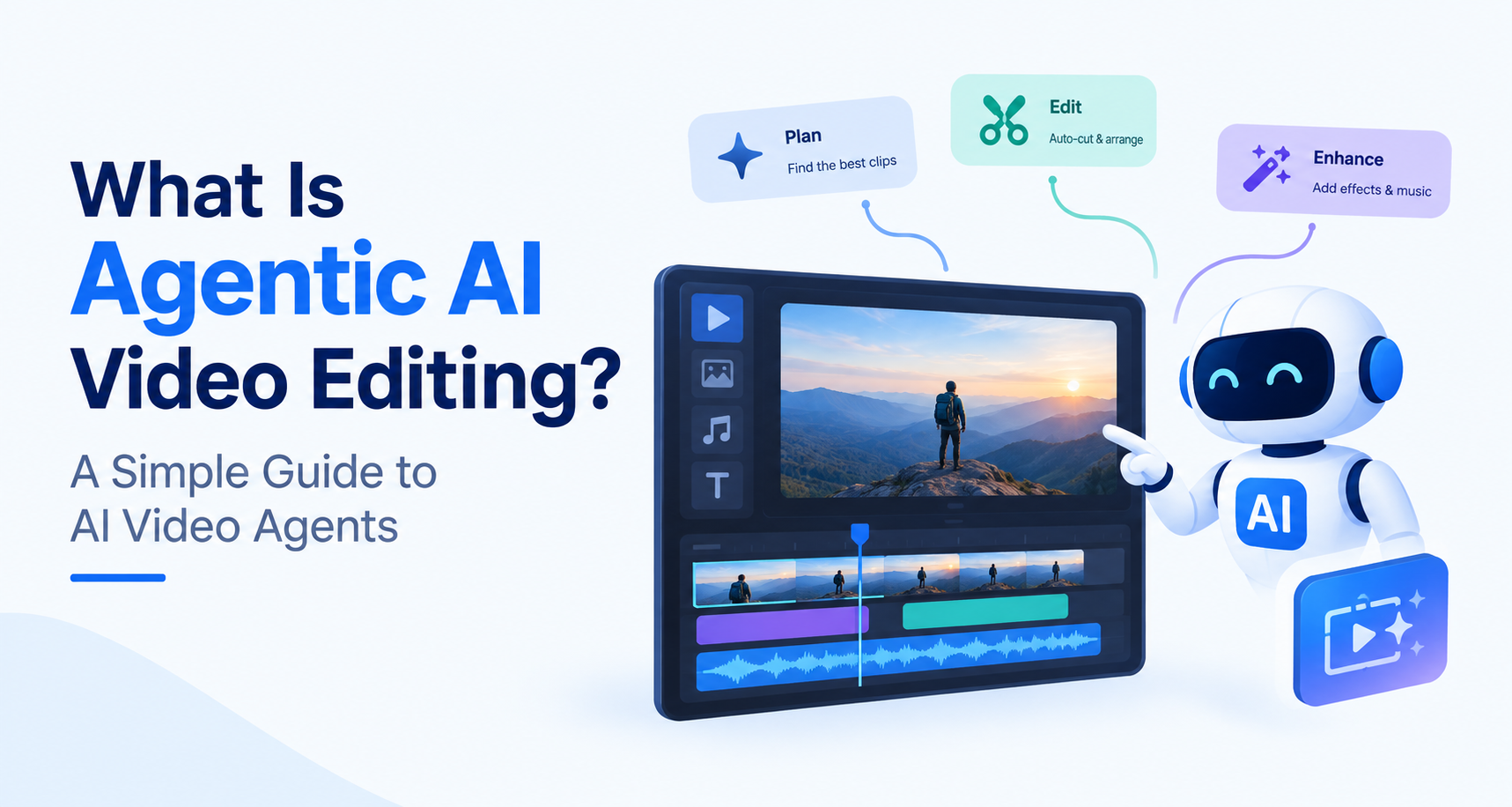
AI video editing agents can turn simple instructions into practical edits. They can search footage for a spoken phrase, trim unwanted sections, remove pauses, add captions, and help prepare videos for different platforms. This speeds up the first cut, especially when working with long recordings. An editor should still check the pacing, accuracy, and overall feel before publishing.For example, invideo Editor describes transcript-based editing, captions, audio tools, resizing, and a shared timeline for team review. It also offers direct control over clips and timing, which matters when an AI-assisted first cut needs a more careful finish.
The useful question is not whether an agent can produce a complete video on its own. It is whether it helps your team reach a strong final edit with fewer repetitive steps.
Where Do AI Marketing Videos Work Best?
AI marketing videos work especially well for social posts, short ads, product explainers, tutorials, and webinar highlights. AI can help teams turn one recording into several useful clips, add captions, and adapt each version for different platforms. The strongest results come from clear source material and a human review that checks the message, visuals, and accuracy before publishing.
Social posts and short ads
Short videos often need a quick opening and one clear message. AI can help make several cuts from the same footage, add captions, and prepare versions for different platforms. A person should choose the strongest opening and make sure the call to action fits the audience.
Product explainers
Product videos need clarity more than speed. AI can help organize footage and trim a demonstration, but the team should check that every screen, feature, and promise reflects the product accurately.
Tutorials and webinars
A long recording can become a helpful series of short answers. Transcript search and assisted editing make it easier to find individual tips without starting from an empty timeline for every clip.
Customer stories
AI can help locate strong quotes and tighten an interview. The customer’s meaning must remain intact. A shorter edit should never make someone appear to say something different from what they intended.
How Can Marketers Keep AI Videos on Brand?
Start with a clear brief. State who the video is for, what they should understand, what action they can take, and which claims require proof. Give the editor the correct product details, visual assets, and examples of the brand’s tone.Then review the video as a viewer would. Do the visuals match the words? Are captions and names correct? Does the voice sound appropriate? Is the message easy to understand without extra context?
A brand does not become recognizable just because every video uses the same colors. It becomes recognizable through consistent choices about language, visual style, and what it considers worth saying. AI can help apply those choices across formats, but people need to define them first.
How Can a Small Team Build an AI-Assisted Video Workflow?
Start with one video goal and a short brief covering the audience, message, and platform. Gather footage and brand assets, then use AI video editing agents to find clips, make a first cut, and add captions. Review every claim, adjust the pacing, and export each version. This keeps AI video marketing manageable while saving time on repetitive edits.
- Choose one goal. Decide whether the video should explain, demonstrate, or encourage an action.
- Write a short brief. Include the audience, main point, supporting proof, and intended platforms.
- Collect useful material. Gather footage, screenshots, brand assets, and approved product information.
- Make a first cut. Use AI assistance to find moments, trim footage, and draft captions.
- Review the message. Check accuracy, pacing, visuals, and the call to action.
- Adapt the final edit. Create versions suited to each platform, then inspect them individually.
- Learn from the results. Note which questions, openings, and formats held the audience’s attention.
How Do You Choose the Right Video Editing Tool?
Choose a tool around the work you do most often. A team producing interviews may value transcript editing. A social team may need quick captions and resizing. A client team may care most about comments, shared projects, and control over the final timeline.When trying an easy video editor online, use a real piece of footage rather than a perfect sample clip. Check how quickly you can make the first cut, correct a caption, change the timing, and export the versions you need. The best tool is the one that makes those ordinary revisions easier while still letting you shape the result.
| What to check | Why it matters | What to try |
|---|---|---|
| Editing control | AI drafts often need a human touch. | Change a clip’s timing, captions, and audio yourself. |
| AI assistance | It can speed up repetitive edits. | Ask it to find a moment, remove pauses, or make a first cut. |
| Brand options | Videos should look and sound like your business. | Add your fonts, colors, logo, and footage. |
| Platform formats | One campaign may need several versions. | Export a vertical, square, and landscape video. |
| Team review | Clear feedback reduces revision time. | Share a draft and leave a comment on a specific moment. |
| Pricing and exports | Limits can affect your regular workflow. | Check watermarks, quality, storage, and export allowances. |
What Are the Limits of AI Video Automation?
AI can make an edit faster while still getting the message wrong. It may select a quote that lacks context, create an awkward transition, mishear a product name, or suggest visuals that feel generic. A smooth-looking video can also contain an unsupported claim.These problems call for a clear review process, especially for paid ads, customer stories, and product demonstrations. Check facts against approved information, watch every exported version, and make sure the video says what you intended. The time saved in editing is most valuable when it gives the team more time for that judgment.
What Should Digital Marketing Teams Do Next?
You do not need to rebuild your whole production process to benefit from AI. Pick one repeated task, such as cutting webinar clips or making captioned social versions, and try an AI-assisted workflow on a real project. Compare the time spent, the number of revisions, and the quality of the finished videos.
In 2026, AI automation can help teams produce video more efficiently. The strongest results will still come from understanding the audience, showing something useful, and giving the final edit a thoughtful human review.
Frequently Asked Questions
Can AI create marketing videos from existing footage?
Yes. AI-assisted tools can help search footage, suggest cuts, add captions, improve audio, and prepare different versions. The available features vary by tool, and the final video still needs review.
Will AI video editing agents replace human editors?
They can handle parts of the editing process, particularly repetitive tasks. Human editors remain valuable for storytelling, pacing, context, accuracy, and creative decisions that depend on knowing the audience and brand.
What is the difference between AI video generation and automated video editing?
AI video generation creates new footage or visuals from instructions. Automated video editing helps assemble and improve footage that already exists. Some workflows use both.
How can a small business start using AI video marketing?
Start with one video that serves a clear purpose. Use existing footage, write a short brief, make an AI-assisted first cut, and review the result carefully before publishing.