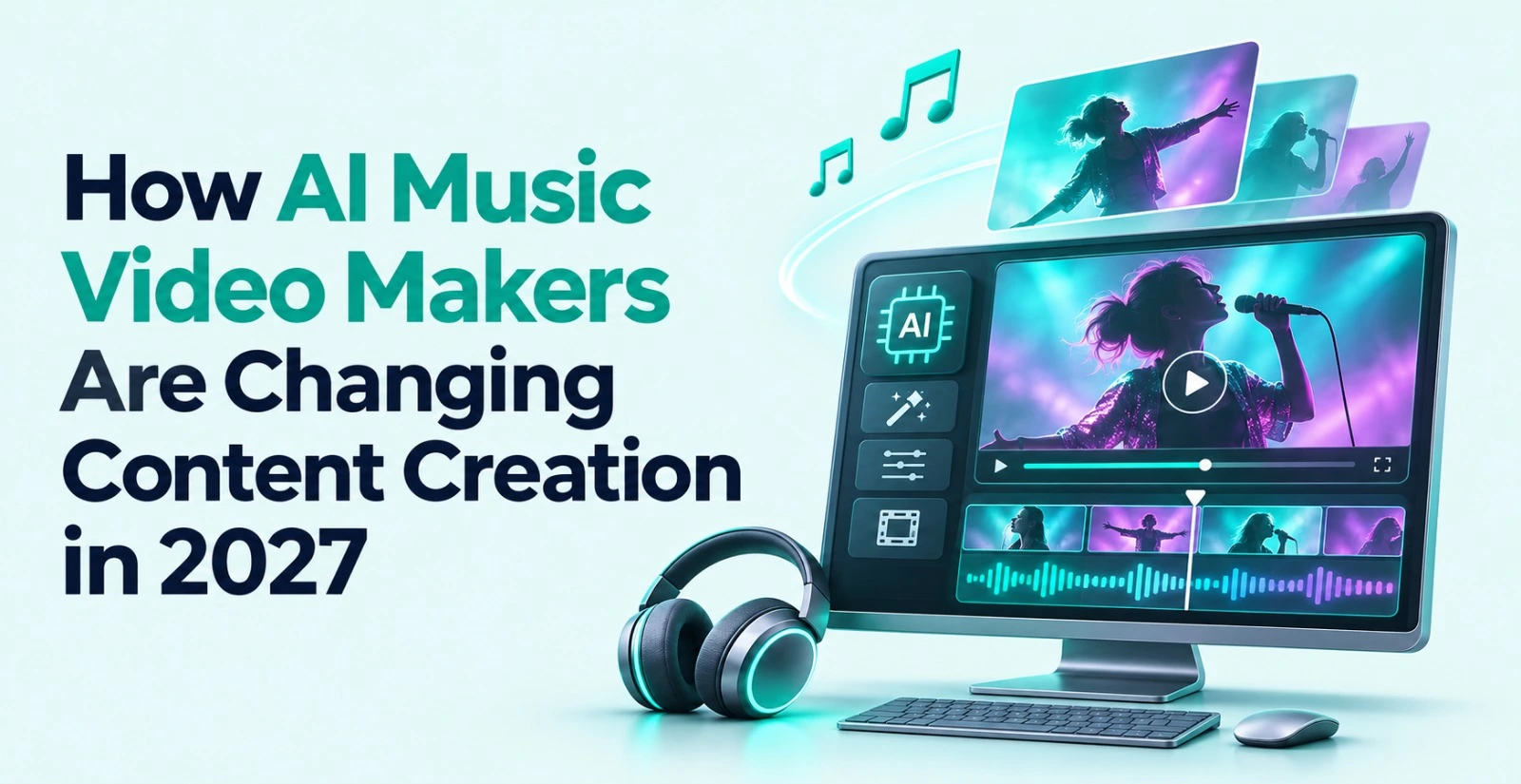
An AI music video maker is a tool that turns a song and a short creative brief into a finished video. It generates scenes, syncs visuals to the beat and adds effects without a film crew. Five years ago, that sentence would have sounded like science fiction.Today it is a normal part of how musicians, marketers and short-form creators work. The change is not just about speed. It is about who gets to make a music video at all.
This guide explains what has changed, which workflows matter and how to pick the right platform. You will also find five common questions answered at the end.
What is an AI music video maker?
An AI music video maker takes audio as its starting point. You upload a track, describe the mood and let the software build visuals around it. The result is a timeline of scenes cut to the rhythm of the song.Older tools only offered templates. You dropped in a photo, picked a spinning waveform and exported. The newer generation understands the song’s structure. It can tell a verse from a chorus and place bigger visual moments where the energy rises.Some tools generate everything from a text prompt. Others work with footage you already shot. The best ones handle both and let you switch between them in one project.
Why creators are moving away from the old workflow
A traditional music video meant a director, a camera crew, locations and weeks of editing. Even a simple version costs real money. Many independent artists simply skipped it.
AI changed math in three ways.
First, the cost dropped. You can now test a visual idea in an afternoon instead of committing a full budget to it.
Second, the speed improved. A rough cut that once took days can appear in minutes. That matters when a song needs to go out while the trend is still alive.
Third, the volume changed. Creators now publish a full video, a vertical teaser, a lyric cut and a short loop for every release. One song becomes many assets.
How the workflow works in 2027
The old pipeline was linear. You shot, then edited, then graded, then mixed, then exported. Each step waited for the last one.The new pipeline is closer to a conversation. You give direction in plain language and review what comes back. Then you redirect and refine.
This is where agentic editing enters the picture. Invideo Editor is a browser based video editor with AI agents that take on the repetitive execution work. You hand over footage and a direction. The agents review the material, pick usable takes, remove repetition and lay everything onto an editable timeline.The key detail is that the result is not locked. Every change stays visible on the timeline. You can inspect it, move it or rebuild it by hand.That balance is what separates a useful tool from a gimmick. Creative judgment stays with you. The grunt work does not.
Which platform should you use for AI music videos?
There is no single best tool for every project. The right choice depends on what you start with and how much control you want afterward.
Ask yourself three questions before you pick a platform:
- Do I have footage, or do I need visuals generated from scratch?
- Do I need to adjust cuts by hand after the first pass?
- Will I need multiple versions for different platforms?
If you have no footage, you need a generation first tool. If you have footage, you need strong assembly and timeline control. If you need both, look for a platform that does not force you to choose.A strong pairing here is Invideo Editor and the Music Video Maker on invideo. The generation tool takes your song and a visual brief and builds the scenes. You can add your own track, describe the style and let the AI produce a first version in minutes.
The editing side then gives you the timeline to shape it. You can fix pacing, swap clips, adjust the look and prepare cut downs for each platform. Generation gets you moving quickly. Editing makes the result yours.This combination suits solo artists and small teams especially well. You do not need a separate tool for ideas and another for polish. You also avoid exporting between apps, which saves time and keeps your project in one place.
How beat led editing became practical
Cutting to music has always been the heart of a music video. A cut that lands a fraction of a second early feels wrong, even if the viewer cannot explain why.Doing this by hand is slow. You scrub through audio, drop markers and nudge clips frame by frame. It is skilled work, but much of it is mechanical.
AI now handles the mechanical part. It reads the beat pattern and arranges footage around it. Invideo Editor supports this kind of music or beat led assembly, where clips are laid out against a music edit or a rhythm pattern. The editor then reviews the result and adjusts anything that feels off.This is a good example of the broader shift. The machine finds the grid. The human decides where to break it.A practical tip helps here. Bring messy footage the first time you try this. A few takes, some false starts and a bit of filler give the agent real work to do. Perfectly clean clips will not show you what the tool can actually do.
Mistakes to avoid when making an AI music video
New users often repeat the same errors. Here are the ones worth watching for.
- Skipping the creative brief. A vague prompt produces vague visuals. Describe the mood, the pace, the color feel and the story you want to hint at.
- Accepting the first result. The first pass is a base, not a finished video. Plan to refine it.
- Ignoring audio quality. Weak sound ruins strong visuals. Clean up the mix before you focus on the picture.
- Forgetting platform formats. A widescreen video will not fit a vertical feed. Plan your versions early so you do not crop at the last minute.
- Overusing effects. Fast cuts and heavy filters can feel exciting at first. Too many of them tire the viewer. Let the song breathe.
What content creation looks like next
The direction of travel is clear. Production steps that used to need specialists are becoming accessible to anyone with a clear idea.Several trends are worth watching.Versioning is becoming automatic. One finished project can turn into trailers, highlights, social cuts and platform specific versions without starting over.Localization is getting easier. Dubbing and translation with lip sync are opening music and creator content to audiences in other languages.
Collaboration is moving into shared timelines. Editors, collaborators and AI agents can work inside the same project at the same time. Invideo Editor already follows this model with its multiplayer approach.None of this removes the need for taste. If anything, taste matters more. When everyone can produce a polished video, the ideas become the difference.
Final thoughts
AI music video makers are not replacing creativity. They are removing the barriers that kept many people from using it. Lower costs, faster turnaround and flexible versioning let more artists put visuals behind their music.
The best results come from a simple rule. Let the AI handle the repetitive execution. Keep the direction, the story and the final call for yourself.
If you are curious, pick one song and try the full workflow. Generate a first version, refine it on the timeline and export a version for each platform you use. You will learn more from one real project than from any guide, including this one. A tool like Invideo Editor makes that first experiment easy to start, since it runs in the browser and is free to use.
Frequently asked questions
Q1. How do I make a music video with AI?
Ans . Upload your song and write a short brief describing the mood, style and pace. The AI generates scenes and builds a first cut. You then review the timeline and refine it until it matches your vision.
Q2. Can I use my own song in an AI music video maker?
Ans .Yes, most platforms let you upload your own audio file. The software builds the visuals around your track and syncs the cuts to its rhythm. Always make sure you hold the rights to the music you upload.
Q3. Do I need video editing skills to create an AI music video?
Ans .No. You can describe what you want in plain language and let the AI do the first assembly. Basic timeline skills help when you want to fine tune pacing, but they are not required to start.
Q4. Is an AI music video maker free to use?
Ans .It depends on the platform. Some offer free access with limits, while others charge for advanced features or exports. Check the current plan details on the tool’s own site before you commit to a project.
Q5. Can AI music videos be used for platforms like YouTube and TikTok?
Ans .Yes. Most tools let you export in different aspect ratios, so one project can become a widescreen YouTube video and a vertical clip for short-form feeds. Plan your formats early to avoid awkward crops.